


Mobile to Computer Internet Connection via USB and Wifi...
please like my page
Over the ages, electronic technology was not getting promoted but when it has started it is getting higher and higher in the past we used telephone like land lines DSLs but when mobile was invented then a lot of other electronic products started to develop as now in modern era we are using mobile, tablets and laptops which are seeming like being installed in us. The electronic items are developed and are becoming more useful as well as software and applications too.

Over the ages, electronic technology was not getting promoted but when it has started it is getting higher and higher in the past we used telephone like land lines DSLs but when mobile was invented then a lot of other electronic products started to develop as now in modern era we are using mobile, tablets and laptops which are seeming like being installed in us. The electronic items are developed and are becoming more useful as well as software and applications too.
Means of connecting mobile internet on computer.
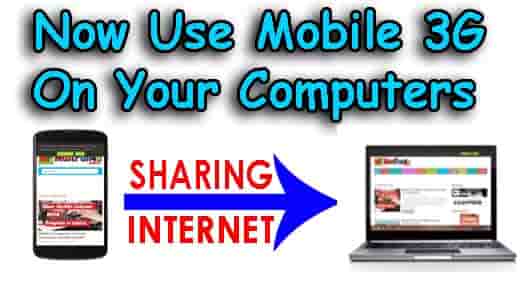
The sources or means of using cell internet on PC are. 1) Via USB Data Cable 2) Via Wifi 3) Via Bluetooth.
Procedure:
1. First of All turn on Mobile Data or Mobile Internet (Make sure your internet is running on your mobile)
2. Connect your phone with PC via data cable, wifi or Bluetooth.
3. Go to your mobile’s main Menu and find “Settings”
4. You will find options like “More Settings” or “More” (Varies according to mobile model)
5. Now search for “Tethering and Portable Hotspot” (This is the main option which is used for this purpose)
6. Now you will see option like “USB tethering” used for connecting net via USB Cable, “Portable Wi-fi Hotspot” Used to connect net via wifi, “Bluetooth tethering” used for connecting internet via Bluetooth and “Setup Wi-fi Hotspot” used to change and set the wifi password because by using net via wifi will make your cell act like a wifi router.
7. The internet would be connected, Enjoy the Internet.


No comments: